How Live Scoring Works
On matchdays, the fans at the games become our scorers. If you're at a match — or watching a stream — you can keep the live score updated for everyone following along. Here's how it works, from kick-off to full time.
You'll need a free account to score. Register here — it takes a minute.
What is live scoring?
All of today's fixtures appear on the Live Scores page, grouped by league, each with a live score and a match clock. Fans at the games keep those scores moving in real time — so the whole community sees the action as it happens, not minutes later.
The green light

When a match is about to start or in play, the Score button in the footer shows a pulsing green dot. It lights up from 30 minutes before kick-off on matchdays. Tap it to open the Live Scores page.
Choose your match
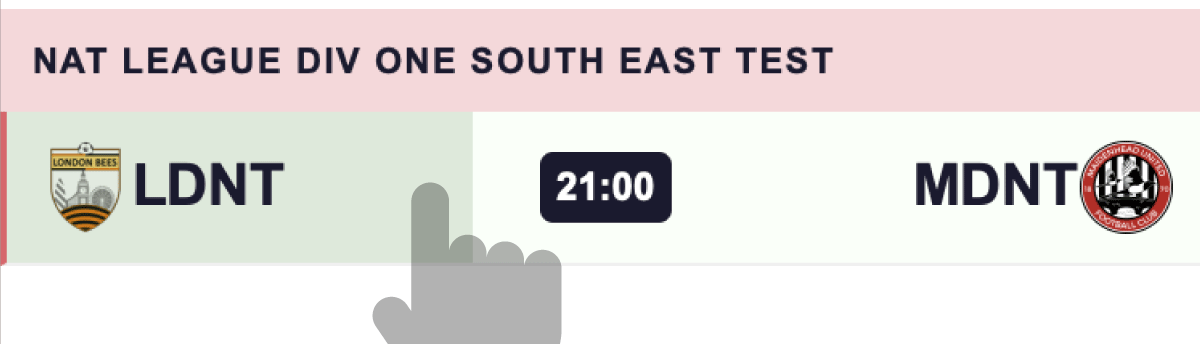
Fixtures marked Hold are ready to score. Press and hold the fixture for one second — a green bar fills as you hold — and the scoring panel slides up. Swiping to scroll won't trigger it; only holding still does.
The ref's whistle
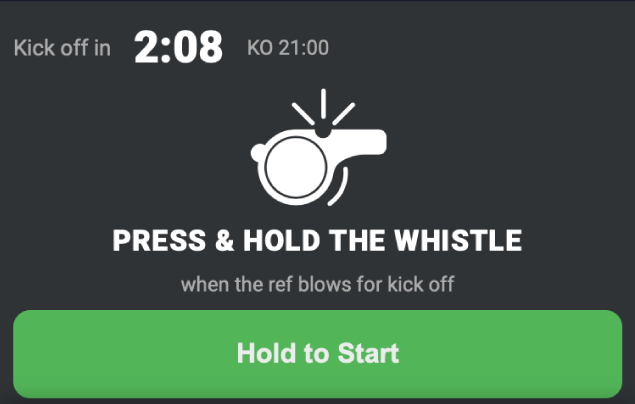
Before kick-off you'll see the whistle screen with a countdown. The button unlocks five minutes before the scheduled kick-off. When the referee actually blows the whistle, press and hold the button — that starts the match clock for everyone. If kick-off is late, just wait for the real whistle; the clock runs from your press, not the fixture time.
Joining late?
If the match has already kicked off when you open it, one of two things happens. If another fan is already scoring, you'll drop straight in at the correct match minute. If you're the first, we'll estimate the minute — "We think you're on minute 12" — and you can adjust it with the plus and minus buttons before you start.
Scoring goals
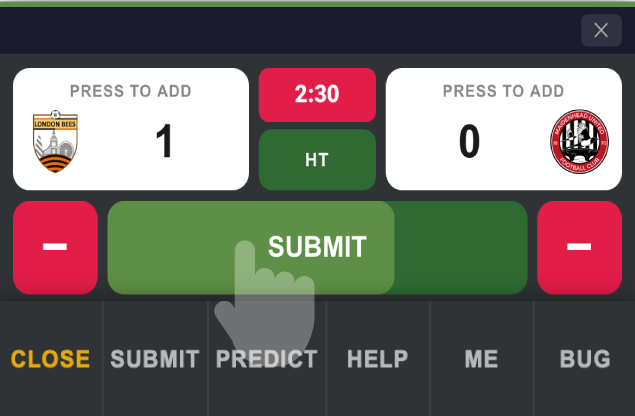
When a goal goes in, press and hold the goal button for the team that scored. The hold stops accidental taps. Made a mistake? Use the minus button to correct the score. Every change is submitted automatically — there's no separate save button to forget.
Score warnings
If several fans are scoring the same match and your score doesn't match the majority, you'll see a message like "Most fans have this at 1–0 — check your score." It usually means someone missed a goal. Double-check and correct if needed — or stand your ground if you're sure you're right.
Half time and full time
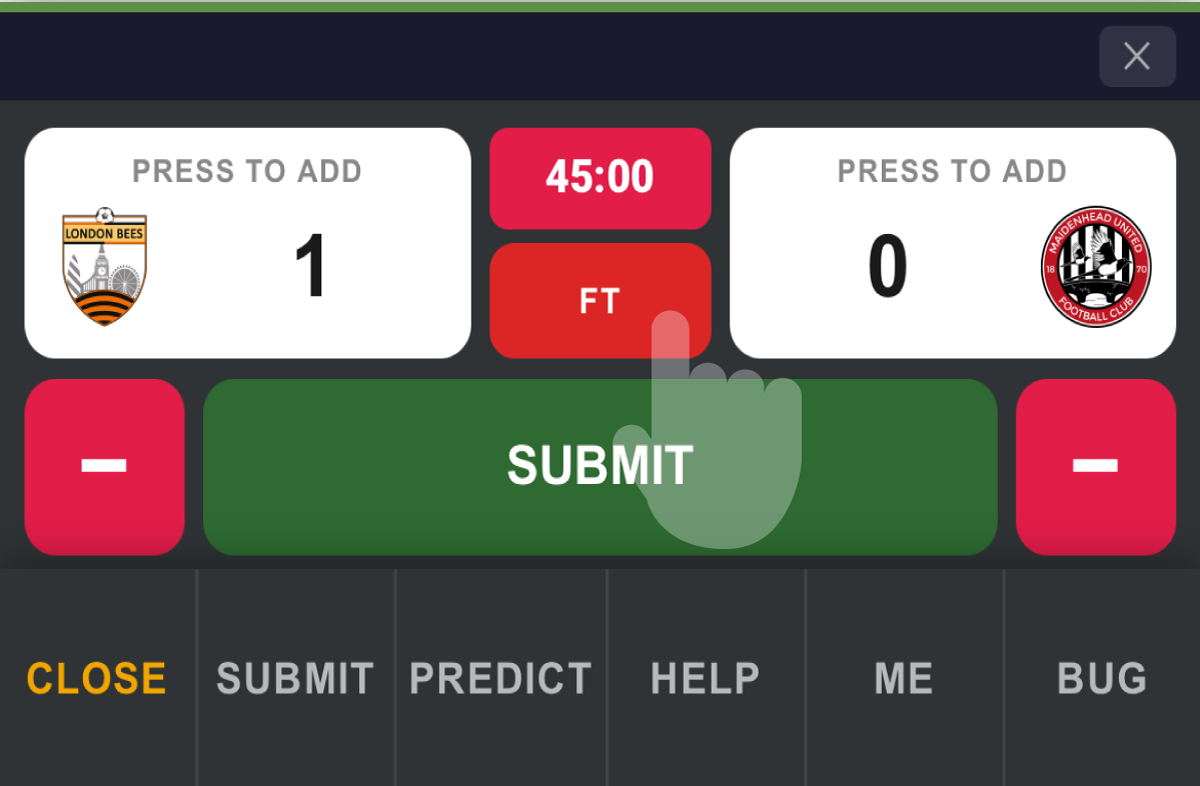
At the interval, press and hold Half Time — you'll get a break screen until the second half. At the final whistle, press and hold Full Time and confirm. Your final score is submitted for checking. Forget to press Full Time? Don't worry — your score still counts and the match closes itself automatically.
Earning points for scoring
After the match, a moderator confirms the official result. Fans whose final score matches earn SS Points — the first correct scorer earns the most. Wrong scores earn nothing, so accuracy beats speed. Your scoring history and points appear in your profile.
Good to know
The match clock is shared by everyone — it's set by the fans at the game, so it may differ slightly from TV. One score per fan per match: resubmitting simply updates your previous score. Close the page mid-match? Just reopen the fixture and you'll carry on where you left off.
Register free ·
Back to How It Works
